
Scan your receipts,
never lose one again
Take a photo of a receipt with your phone: Scanlr reads the store name, date, total, tax and every single item, then files everything automatically. Your receipt stays readable forever, even after the paper fades.
5 scans
free every month, no credit card
Photo or PDF
JPEG, PNG, HEIC, WebP and PDF supported
In Europe
data hosted in the European Union
Why scan your receipts?
A receipt seems worthless until the day you need it: a device that breaks down, an item to return, an expense to justify. That is usually when it has gone missing or become unreadable.
Receipt ink fades
Most receipts are printed on thermal paper. Heat, light and friction make the print fade, sometimes within a few months. Consumer organisations recommend keeping a copy or a scan.
Receipts are no longer printed by default
In a growing number of countries (France since August 2023), shops only print a receipt if you ask for it. Scanning it at the checkout is the best way not to lose it.
It is your proof of purchase
In the EU, the legal guarantee of conformity lasts at least 2 years. To use it, you need to prove when and where you bought the product: a readable receipt makes it easy.
Your purchases become a memory
How much did you spend on groceries this month? Where did you buy those headphones? Once scanned, your receipts answer in a second.
What Scanlr does with your receipts
One-tap photo
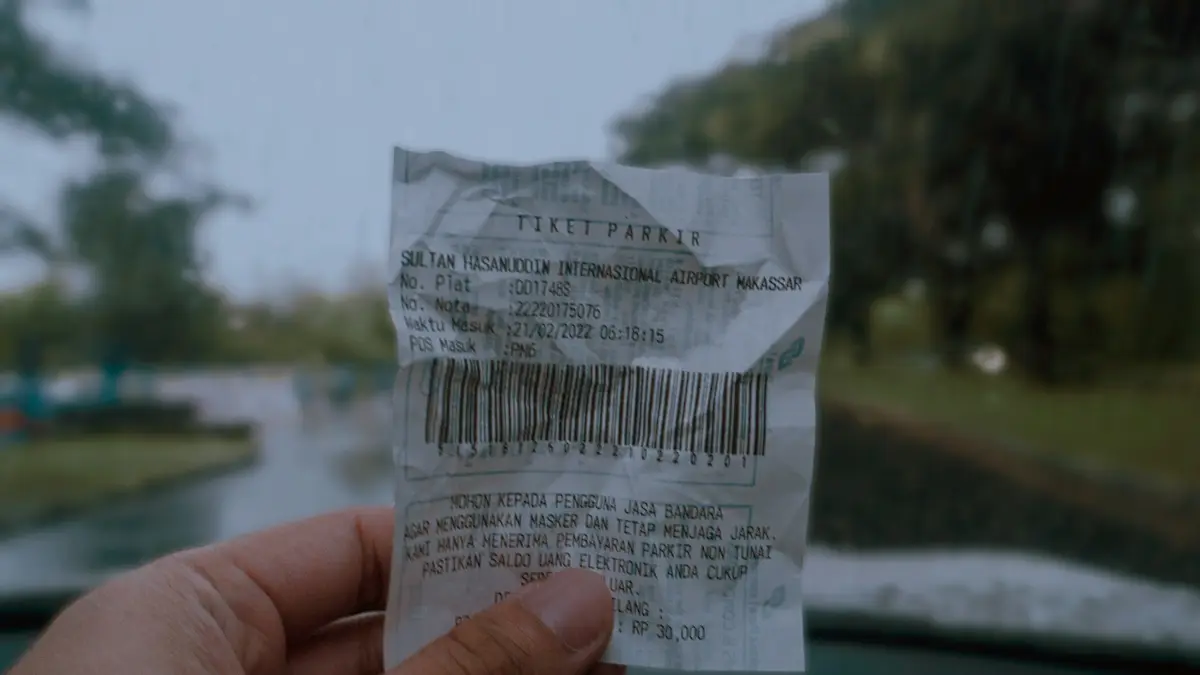
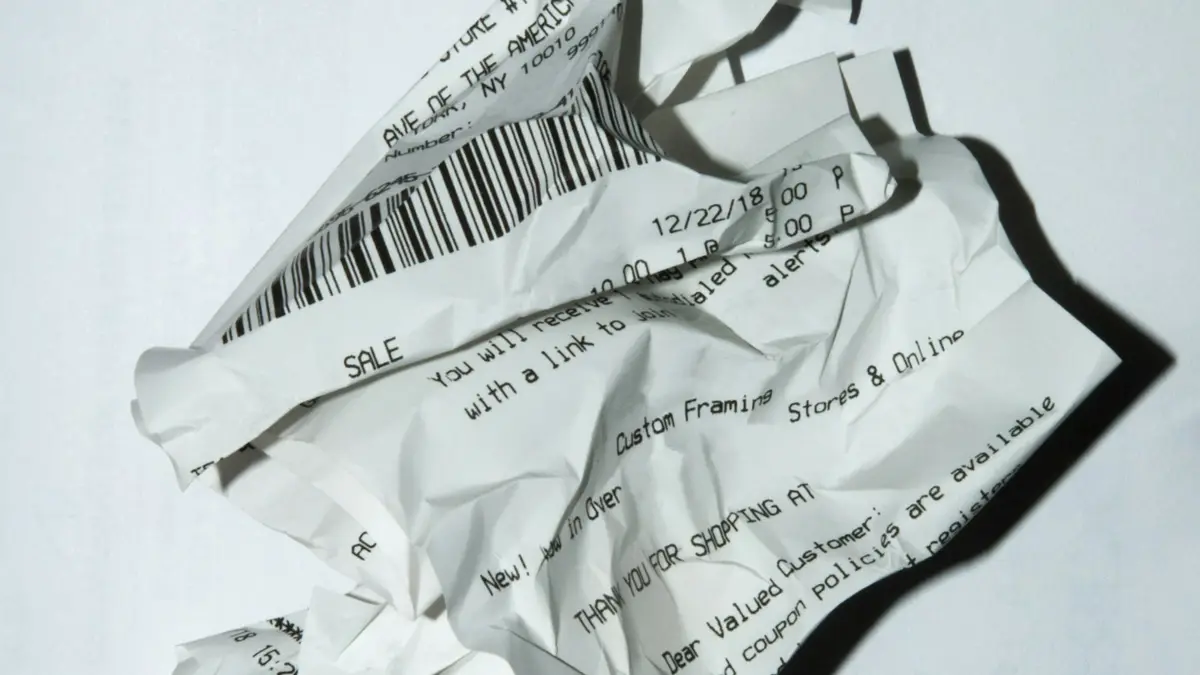
Open Scanlr, frame the receipt, done. Long, crumpled or poorly lit receipts work too.
Full AI reading
Store, address, date, total, tax, payment method and the list of items: everything is extracted with no typing.
Instant search
Type a store, a product or a date to find any purchase, even one from months ago.
On all your devices
Your receipts sync between the mobile app and the website: phone, tablet or computer.
How to scan a receipt
- 1
Open Scanlr
In the mobile app or on scanlr.app, tap “Scan”.
- 2
Photograph the receipt
Lay it flat and frame it entirely, or import a PDF invoice you received by email.
- 3
It's filed
Within seconds, the receipt is read, sorted by category and available whenever you need it.
What Scanlr reads on every receipt
- Store name and address
- Date and time of purchase
- Total amount and tax breakdown
- Every item, with quantity and price
- Payment method
- Automatic category (groceries, restaurants, transport…)
- The original photo, kept in high quality
Is a photo of a receipt valid proof?
To claim a warranty or get an exchange, what matters is proving that you bought the product, where and when. That proof can take several forms: receipt, invoice, bank statement, loyalty card history. A sharp photo where the store, date and amount are readable is generally accepted by retailers.
For major purchases (appliances, electronics, furniture), keep the original as well as the scan, stored away from heat and light. For everything else, the scan is usually enough and you can throw the paper away.
More than a scanner: an assistant for your purchases
With the Basic and Pro plans, ask Scanlr's AI assistant questions in plain language. It answers from your real receipts. “How much did I spend on groceries last month?”
Frequently asked questions
How do I scan a receipt with my phone?
Install the Scanlr app or open scanlr.app, tap “Scan” and take a photo of the receipt, laid flat and fully in frame. The AI automatically reads the store, date, total and items within seconds.
Is the receipt scanner app free?
Yes. The Free plan lets you scan 5 receipts a month, with no credit card. The Basic and Pro plans add more scans, the AI assistant, exports and unlimited history.
Which formats are supported?
JPEG, PNG, HEIC (iPhone) and WebP photos, as well as PDF invoices received by email.
Can a crumpled or slightly faded receipt be read?
Usually, yes: flatten it and photograph it in good light. If the ink has completely disappeared, no app can read it, which is why it is best to scan receipts right after you buy.
Can I throw away my paper receipts after scanning them?
For everyday purchases, in most cases yes. For major purchases covered by a warranty, keep the original as well as the scan, away from heat and light.
Where are my receipts stored?
Your receipts and their photos are hosted in the European Union and only visible to you. You can export them or delete your account at any time from Settings.